Overview
After you have designed, built, and tested your connector, you're ready to deploy or upload it to the Boomi Enterprise Platform. All connectors, regardless of who builds them (or a partner), count towards your connection licenses when deployed to Runtimes.
There are two ways in which you can deploy connectors to the Boomi Enterprise Platform:
- Boomi Enterprise Platform > Developer tab > Add Connector Group
- API reference for Connector Deployment and Management APIs
Before you begin
You can choose to make a connector only available to your private company or available to any user. Follow the information in this section to understand all of the steps involved.
Connector classification
Each connector in a connector group has a name and a unique classification. For example, development, QA, UAT, production, as well as an associated version and visibility (Private, Public, or Hidden). When you add a connector group, you specify the properties of the group’s initial connector and upload version 1 of the connector files. When the connector group is added, the group contains the initial connector and the connector’s initial visibility is Private. You add subsequent versions by uploading updated sets of connector files to the connector group.
Public connectors
A Public connector is either publicly released or a candidate for public release pending approval by Boomi. A publicly released connector is visible to all users.
After a connector is publicly released, you cannot change it back to Private. When a connector is publicly released, it is automatically removed as a shared resource from account groups.
Private connectors
A Private connector is visible in the account that owns the connector group and in accounts within account groups where the connector is shared as a resource. This allows partners to develop connectors for their customer's use only.
When a connector is Private, you can add new features simply by updating its descriptors.
Hidden connectors
A Hidden connector is visible only to accounts to which it was visible before it was changed to Hidden. You can effectively retire a connector by changing it from either Private or Public to Hidden. Then, you can release another connector that supersedes the Hidden one.
After a connector is Hidden, you can't change its visibility.
Connector deployment process
To deploy your connector to the Boomi Enterprise Platform:
This action creates a connector group and adds an initial version of your connector to the connector group. You can now use this connector to build integration processes in the Boomi Enterprise Platform.
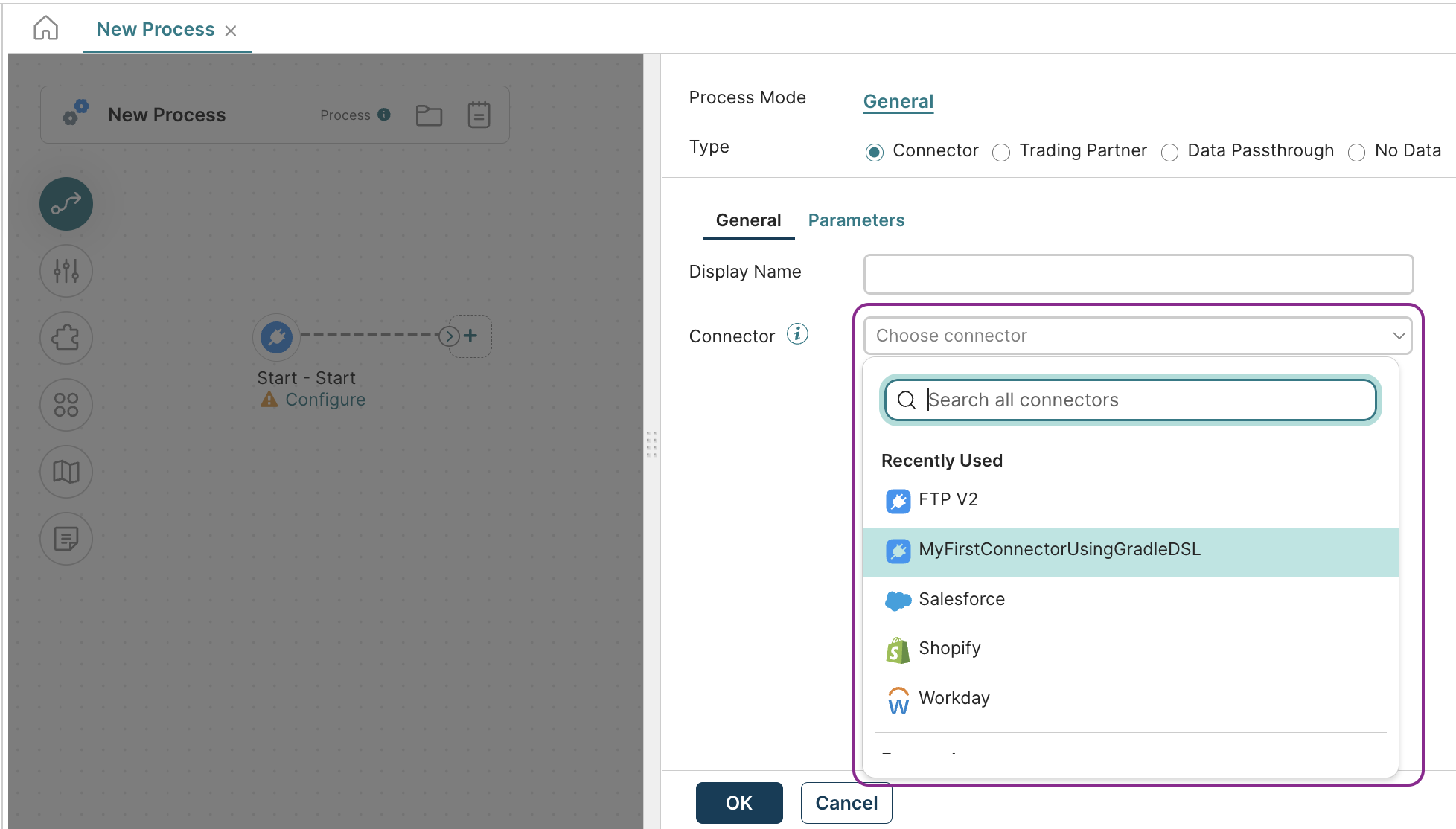
To add new connector group versions and new connectors, you can perform the respective tasks:
- Uploading a new version of a connector group . You provide the appropriate connector descriptor file, archive file, and optionally describe the change in the new version.
- Add the connector to a connector group. You provide the display name, classification, and version.
- Change the display name of a connector. This is the name that users see.
- Specify the version of the connector and when it will be released.
- (Optional) Hide the connector from public view.
Deploying connectors with listeners
You can deploy a connector with listeners for use in on runtimes and runtime cloud clusters. Owners of private connectors in a private runtime cloud can run the listener in their Cloud. To learn more about private runtime clouds and the reasons you may consider setting one up, refer to the Runtime clouds topic.
