Configuring the Boomi integration
EmbedKit expands the power of the Boomi Enterprise Platform by helping you manage the Platform usage at scale by creating simplified portals where you can interact with templatized integrations. This capability allows your team or customers to swiftly add and configure integration processes, significantly reducing the time and effort required to manage integrations at scale.
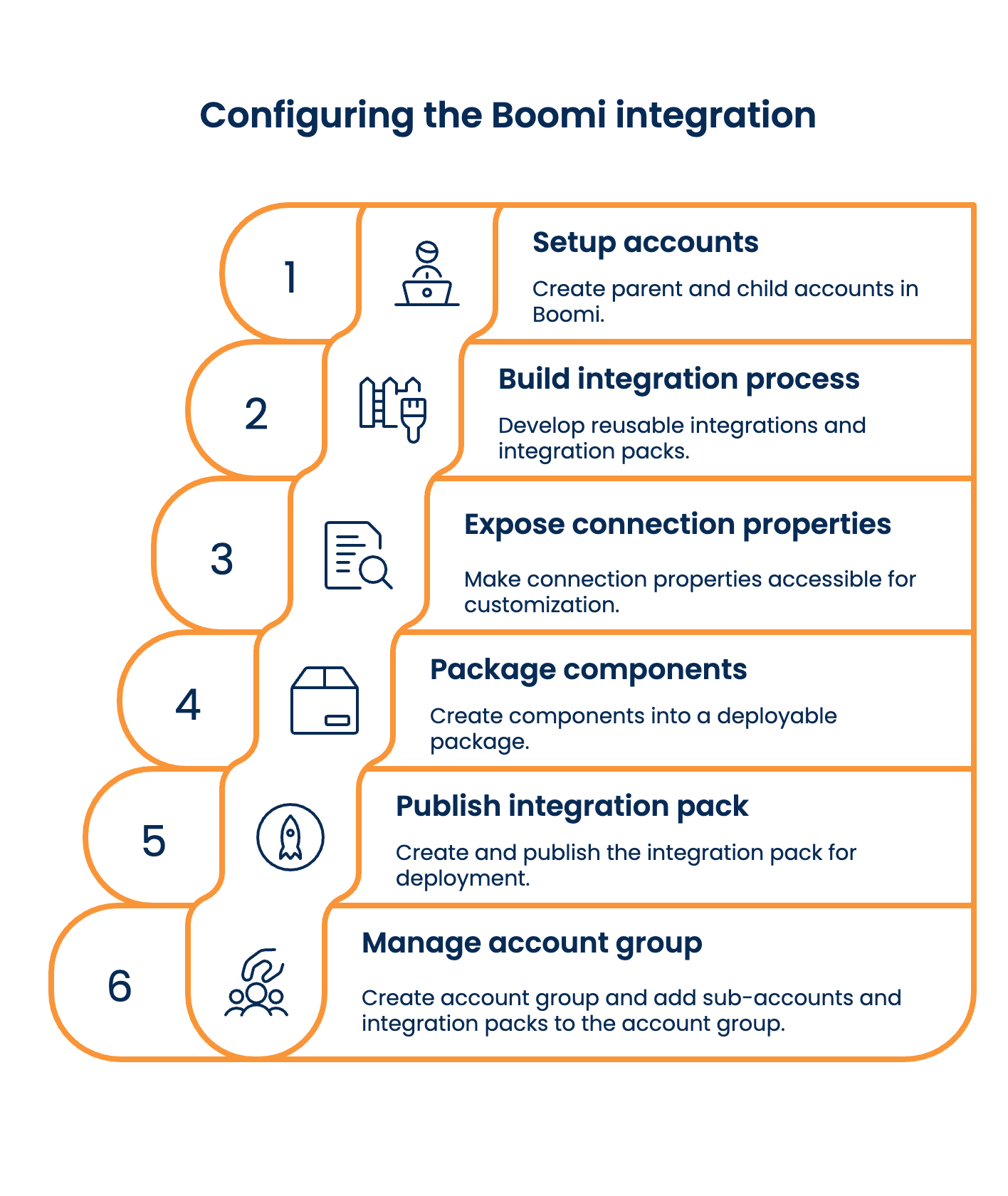
Configuring a Boomi integration involves a six-step sequential process for creating and managing your integrations. This topic guides you from the initial setup of an account to publishing the integration pack.
Prerequisites
Before you begin using the Boomi EmbedKit, ensure that you meet the following prerequisites:
-
Valid Login Credentials: You must have valid login credentials for the Boomi Enterprise Platform.
-
Setup a Boomi Parent account and a sub-account.
importantThe EmbedKit plugin also works on a trial account if there is a parent-child relationship. To activate a full account, contact your Boomi account representative.
Step 1: Set up Parent-Child account hierarchy
Boomi EmbedKit leverages the Parent-Child Account hierarchy to achieve Platform Multi-tenancy. The platform’s parent-child account hierarchy feature allows you to connect User integration with various child accounts that support functional areas such as sales, marketing, R&D, and finance. EmbedKit can reflect the enterprise architecture while delivering platform capabilities like reusable shared assets and high availability. For more information, refer to the Resources and account groups topic.
Step 2: Build an integration process
After setting up the accounts, you can use Boomi to build reusable integrations for your customers. For more information on building integration, refer to the Building a Boomi Integration topic.
Step 3: Expose connection properties
To make integrations flexible, developers must expose connection properties like authentication credentials, base URLs, API keys, or other specific parameters in the process canvas. Connection properties are required to connect Boomi and a target system. For more information, refer to the Dynamic Process Connection properties topic.
Step 4: Create packaged components
Developers must create and package all related components into a single, deployable package and then deploy the packaged components. To learn more about creating and deploying the packaged components, refer to the Creating and managing packaged components topic.
Step 5: Publish integration packs
EmbedKit relies heavily on Integration Pack technology within the Boomi Enterprise Platform. Integration Packs bundle together multiple process components, configurations, and connectors, making deploying and managing complex integrations across different teams and environments easier.
Developers must create integration packs, which involve selecting and packaging various integration components. These packs can then be released to managed accounts, allowing for consistent deployment and management.
For more information on creating, adding/removing packaged components, and releasing integration packs, refer to the Integration Pack Development topic.
Step 6: Manage Account groups
Developers must create account groups and add sub-accounts, users, and resources to structured groups. This setup facilitates efficient management and access control across different parts of the organization.
For more information on creating account groups and adding sub-accounts, users, and resources, refer to the Account Group Setting topic.
