Authentication
Updated
All GraphQL requests require a valid JWT (JSON Web Token) for both authentication and authorization:
-
Use your Platform user name or API token and an account ID associated with an active Platform account to send a
GETrequest with Basic Authentication:- US:
https://api.boomi.com/auth/jwt/generate/{acctid} - GB:
https://api.platform.gb.boomi.com/auth/jwt/generate/{acctid}
Where
{acctid}is your Boomi platform account ID.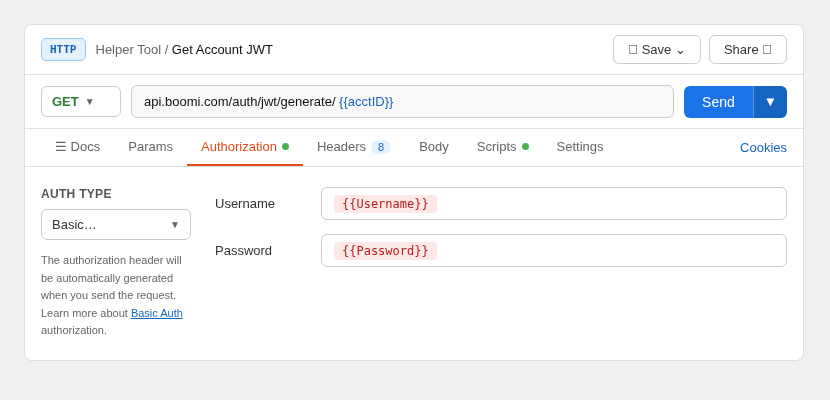
This returns a JWT in the response.
noteYou also use either username+password+MFA+account ID or just the API Token + account ID to get the JWT Token.
- API Token format: You can use basic authentication -
username = BOOMI_TOKEN.<username>@<email.com>andpassword = API Token value - For MFA, include
X-Boomi-OTP:<value>in the header
- US:
-
Use the JWT with Bearer Authentication (add a header to your http request with name
Authorizationand valueBearer <JWT>) for all requests to:- US:
https://api.boomi.com/graphql - GB:
https://api.platform.gb.boomi.com/graphql

- US:
The JWT token expires every five minutes. You must then obtain a new JWT token.
Was this topic helpful?
